Free · Online multiplayer · Windows
RIVETSHOOTER
Fast online arena shooting. Hit Play, drop into a public server and race to 20 kills across hangars, rooftops and container yards.
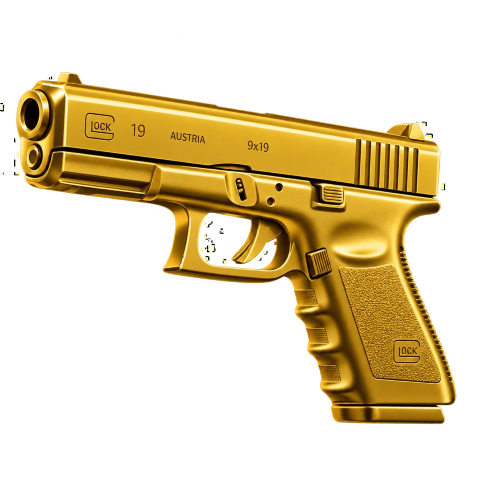
Fast online arena shooting. Hit Play, drop into a public server and race to 20 kills across hangars, rooftops and container yards.
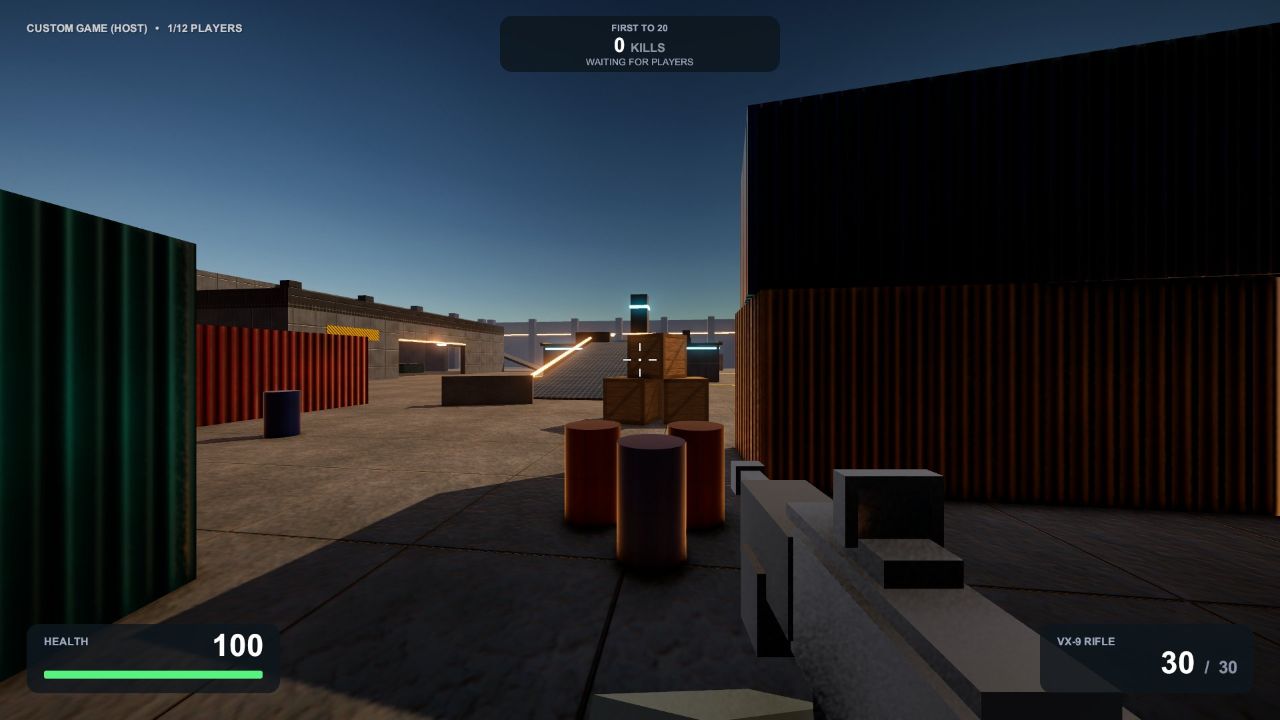
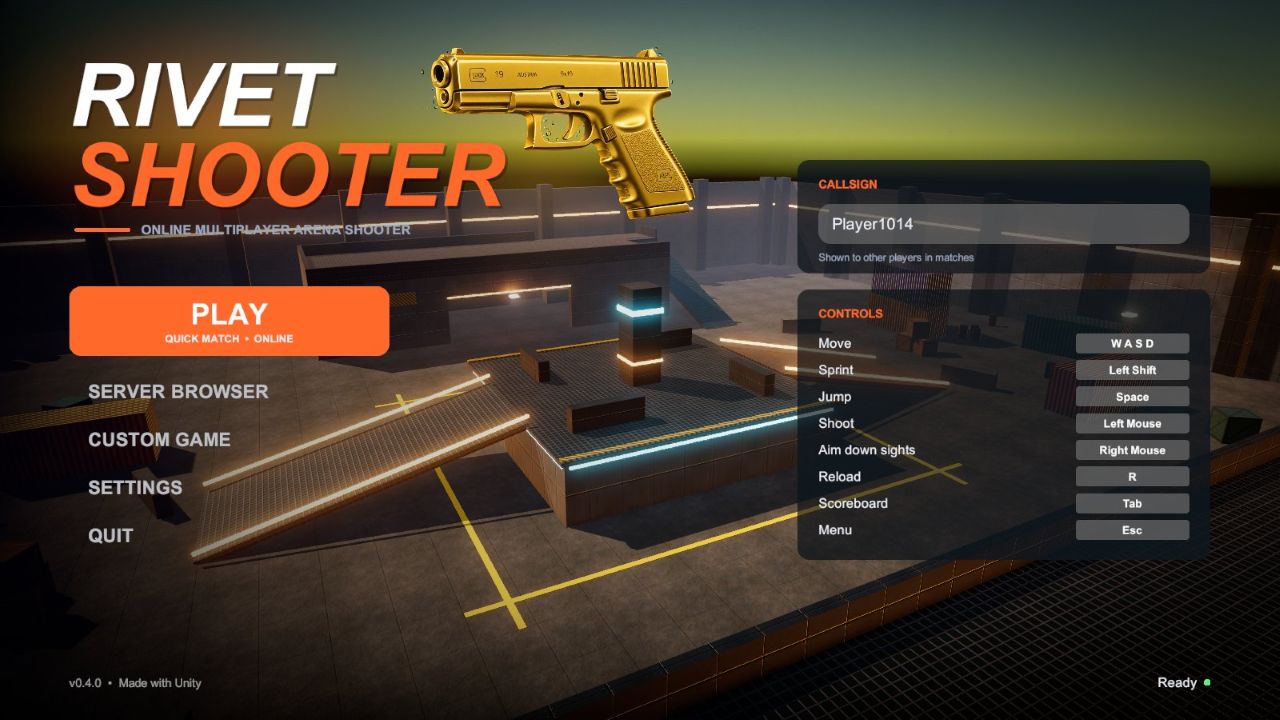
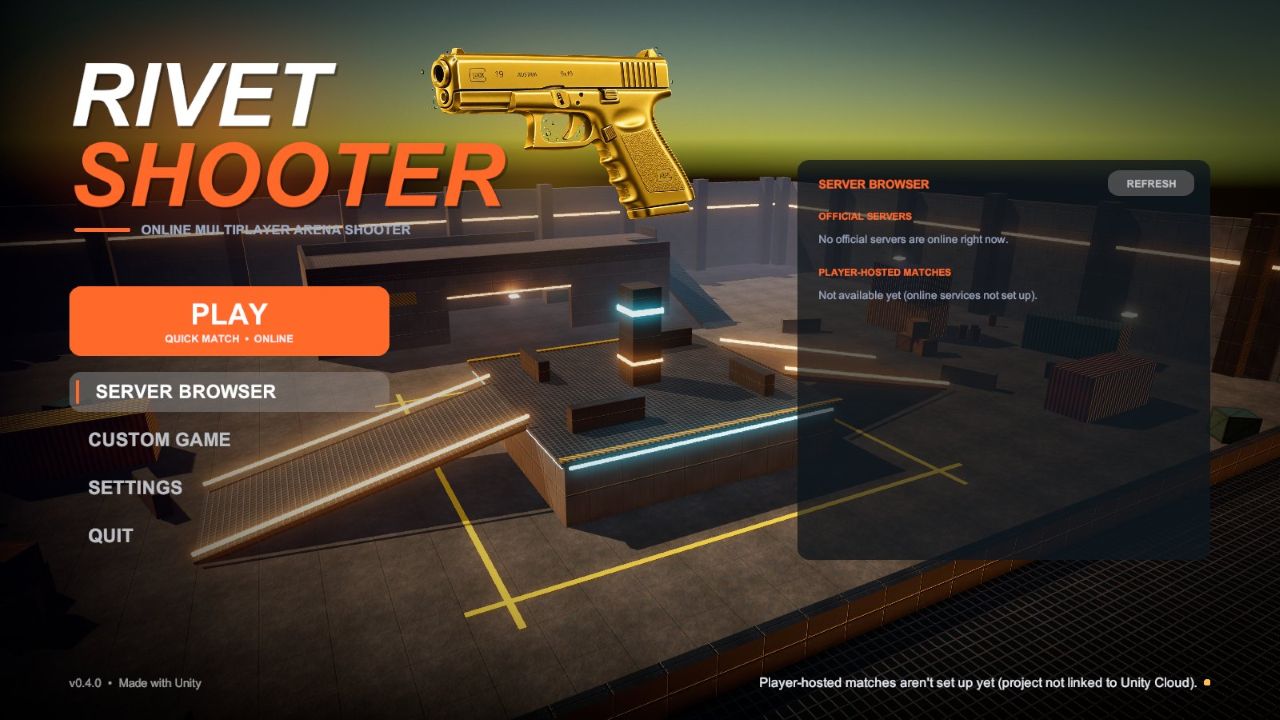
Install in seconds, press Play, and you're in a match with other players.
One click joins an always-on official server. A server browser lists every official server and open player match.
Red-dot rifle with recoil, aim-down-sights, reloads, headshots for double damage, hitmarkers and a kill feed.
Free-for-all deathmatch with a live scoreboard. Win the match, then a fresh one starts automatically.
Climb hangar rooftops, hold the central platform or flank through the container yards.
Start a private game for friends on your network, or run your own dedicated server.
The game tells you when a new version is out and links straight back here.
These always-on servers appear in the game's server browser. Press Play to join the first one with space.
| OS | Windows 10 or 11, 64-bit |
| Processor | Quad-core, 2.5 GHz or better |
| Memory | 8 GB RAM |
| Graphics | DirectX 12 GPU (GTX 1050 / RX 560 or better) |
| Storage | 300 MB available space |
| Network | Broadband internet for online play |
| Move | W A S D |
| Sprint / Jump | Shift / Space |
| Shoot / Aim | Left mouse / Right mouse |
| Reload | R |
| Scoreboard | Tab |
| Menu | Esc |
Common questions about installing and playing.
That message appears for new games that aren't code-signed yet. Click More info, then Run anyway to install.
Yes, RivetShooter is free to download and play.
Join the same official server from the Server Browser. For a private game, one player picks Custom Game → Host Game and friends join that player's address.
When a new version is out, the game shows an "Update available" button. Download the new installer here and run it; your settings are kept.
Open Windows Settings → Apps → Installed apps, find RivetShooter and choose Uninstall.